
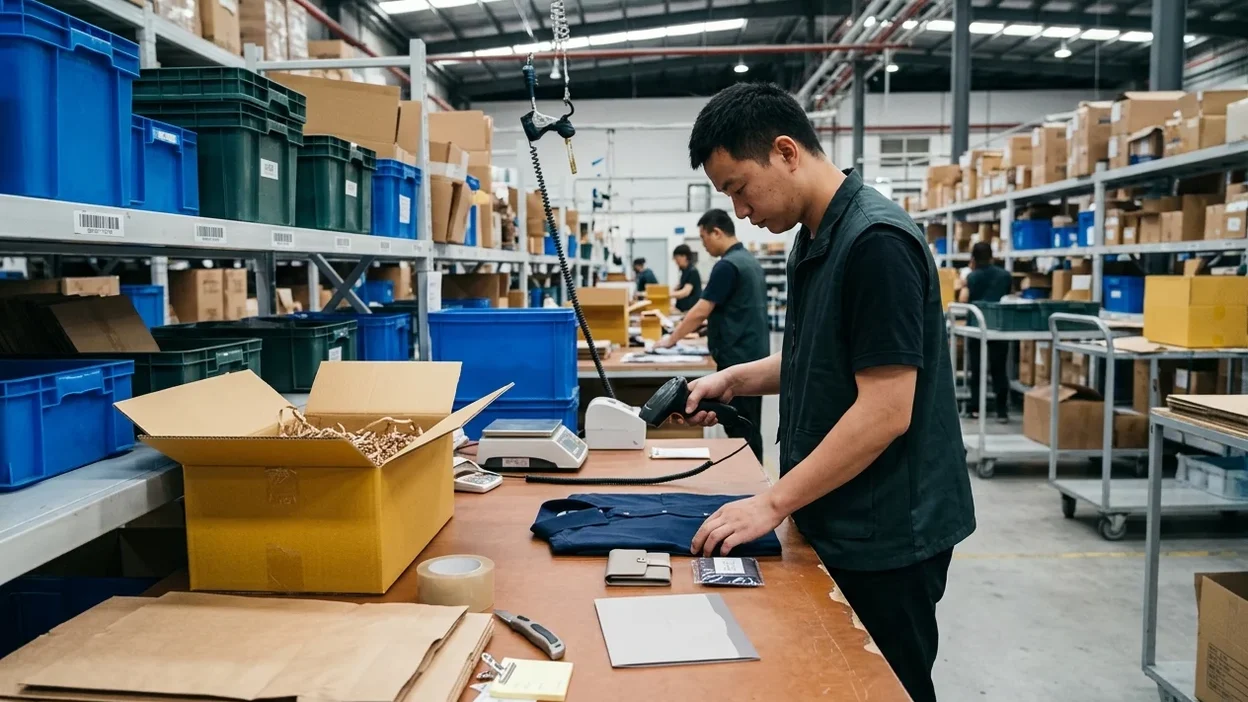
Pick and pack fulfillment is how a warehouse turns an online order into a parcel. Staff pick the requested items from stock, verify the variants and quantities, then pack and label the order for dispatch. If your inventory is already in China, run two test orders before releasing live orders: one with a single item and one with several items. Check the contents, test what happens when a line is out of stock, and ask for proof that the carrier received the parcel.
What does the warehouse need before it can pick an order?
The warehouse needs an order reference, the exact SKU and quantity for each line, shipping details, and any agreed packing instructions. Each order line must map to a SKU the warehouse recognizes. The items also need to be available for sale. For example, units held because of damage may be physically in the warehouse but unavailable to fulfill. Shopify’s inventory states guide explains that distinction.
If you have yet to send stock, use the China warehouse inventory preparation guide to prepare your SKUs, labels and carton records. If you are still choosing how Shopify orders reach the warehouse, see the API vs. CSV guide for Shopify fulfillment.
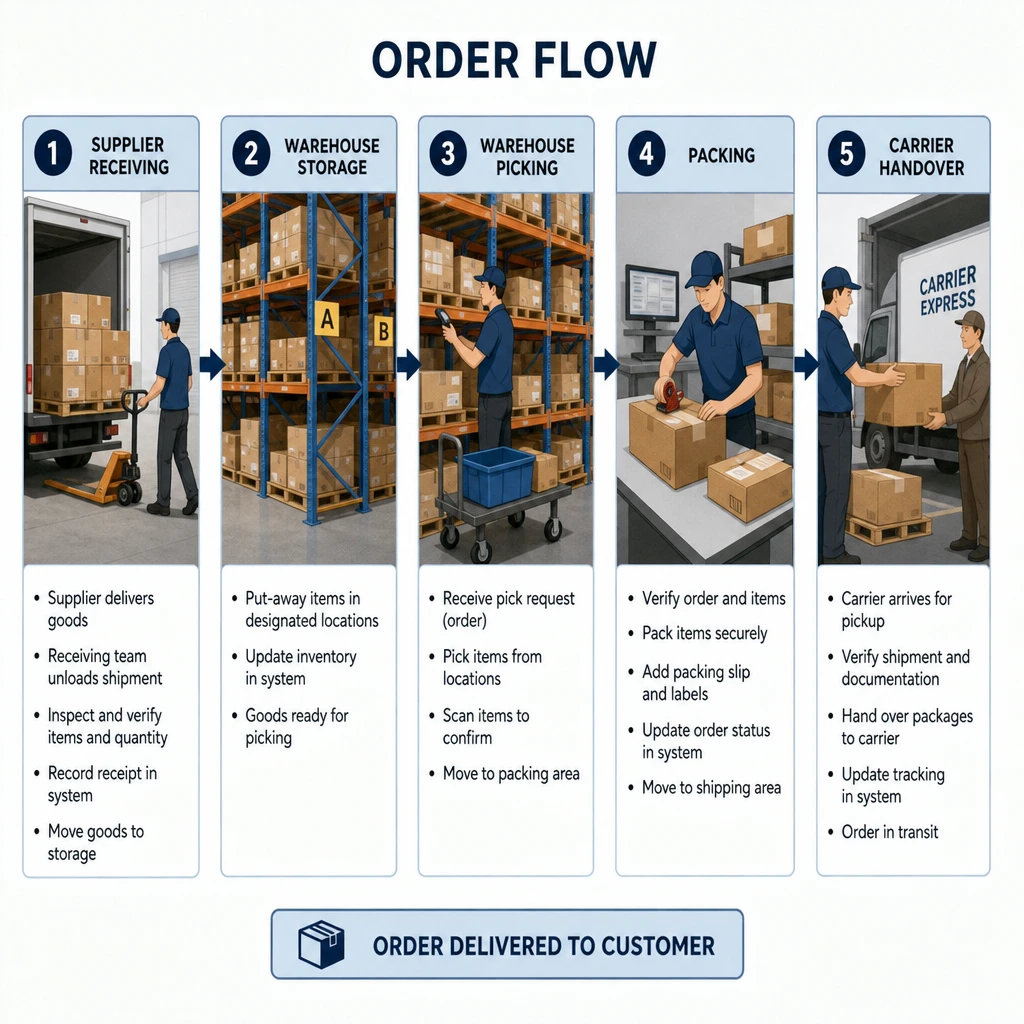
Test order 1: One navy shirt, size M
Use a SKU that has a close variant, such as the same navy shirt in size L. Ask how the warehouse will verify the SKU, size and quantity before sealing the parcel. Agree what record you will review, such as a scan record, a packing check or a photo of the test parcel’s contents.
Confirm the package meets your instructions and the shipping label matches the order destination. If you are comparing shipping options, ask for the packed dimensions and weight. The final parcel can have a different chargeable weight from what you expect based on the product alone. DHL’s guide to actual and volumetric weight explains how those measures differ.
Test order 2: A shirt, two accessories and a brand card
Send a test order for one shirt, a belt and a keyring. If your setup includes brand cards, specify that one card goes in the parcel. With all items available, verify the three products, their quantities and the card. If you use a different box for this basket, include it in the packing instructions.
Then repeat the test with the belt marked unavailable in the test setup. A sensible default is to hold the parcel and report the missing line by order reference. Agree in advance who on the seller’s team may approve a split shipment, wait for stock, cancel the affected line or allow a substitution. The warehouse should follow the agreed rule or wait for approval before releasing an incomplete order.
What counts as proof of dispatch?
A tracking number shows that shipment information has been created. Ask how the warehouse confirms the physical handover separately. Depending on the carrier and service, the evidence may be an acknowledged pickup manifest or an acceptance scan. The first public tracking scan may appear later. Agree who investigates when the warehouse reports a handover but tracking has yet to update.
Use this checklist to accept or reject the pilot
| Test scenario | Pass condition | Evidence to request |
|---|---|---|
| Single shirt with a similar variant in stock | One navy shirt in size M is packed and the label matches the order. | Agreed pick or pack record and a label preview with test customer details masked. |
| Shirt and two accessories | All three items and the agreed brand card are packed in the specified parcel. | Packing checklist or a photo before sealing. |
| Belt unavailable | The warehouse identifies the missing line and follows the agreed hold and approval rule. | Exception record with the order reference, missing SKU and any release approval. |
| Label created and parcel collected | The team can show the difference between label creation and physical handover. | Label timestamp and the agreed carrier handover record. |
Ask the warehouse to price both test orders
For the single item and the multi-item basket, ask what the per-order fee includes, how extra picks are billed, and whether the box, protective materials and brand card handling are charged separately. Ask the provider to show warehouse handling and parcel shipping as separate lines, or explain what is bundled into a single rate. Use the same destination, packed dimensions and instructions when comparing quotes. Shopify’s fulfillment cost guide covers the wider costs you may need to budget for, including storage and shipping.
Frequently asked questions
Can one-piece fulfillment include a multi-item order?
Yes, when the warehouse accepts that workflow. Each customer order is prepared as it comes in. A single order can contain multiple units or SKUs. Confirm how the warehouse checks each item and charges for additional picks.
Is pick and pack the same as shipping?
Pick and pack covers selecting, checking and preparing the items. Parcel transportation starts after handover to the carrier. A provider can coordinate both, so confirm where its responsibility ends and which costs are included.
What should I send a warehouse before a test order?
Send a sample order with the exact SKU and quantity for each line, a shipping destination, any packaging instructions, and a rule for shortages. Agree how you will verify the contents, the handling of exceptions and the handover to the carrier.